
Titles, in lists
Docs named by hand keep that name in the sidebar, the Docs browser and on cards.
For iPad with Apple Pencil · Free, for good
Your handwriting stays handwriting. Every highlight keeps an exact link back to its passage. Every note shows what it links to, what links to it, and why.

Most note apps give you pages to fill. GraphNotes keeps track of how your thinking connects: which passage a note came from, which notes cite a page, and why two ideas belong together.
Write
Put the Pencil down and write. There is nothing to tap first, no block to make, no mode to switch on. GraphNotes keeps your strokes as ink, everywhere they go.
Every card has open paper below its last line. Start writing there and the ink becomes a new handwriting block in place. It grows as you write, and the card grows with it.
A new doc opens on its title, ready for the Pencil. Write the name and it stays in your hand: lists, cards and the Docs browser all show the title you wrote. Below the title, the page is open paper, all the way down.
GraphNotes reads your handwriting on your iPad so it can find it. It never swaps your ink for its guess. You get typed text only when you ask for it.
Docs named by hand keep that name in the sidebar, the Docs browser and on cards.
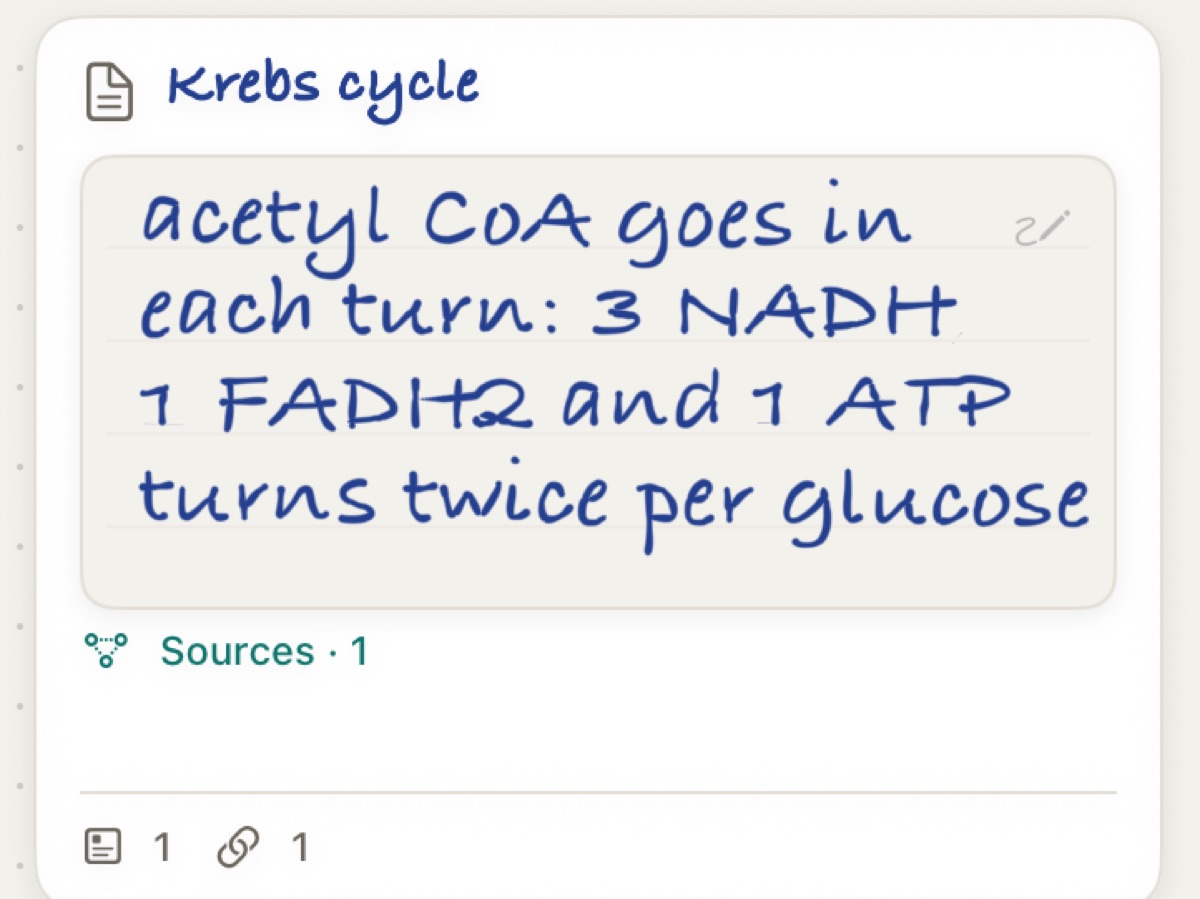
Write on a resting card. No editor, no mode.
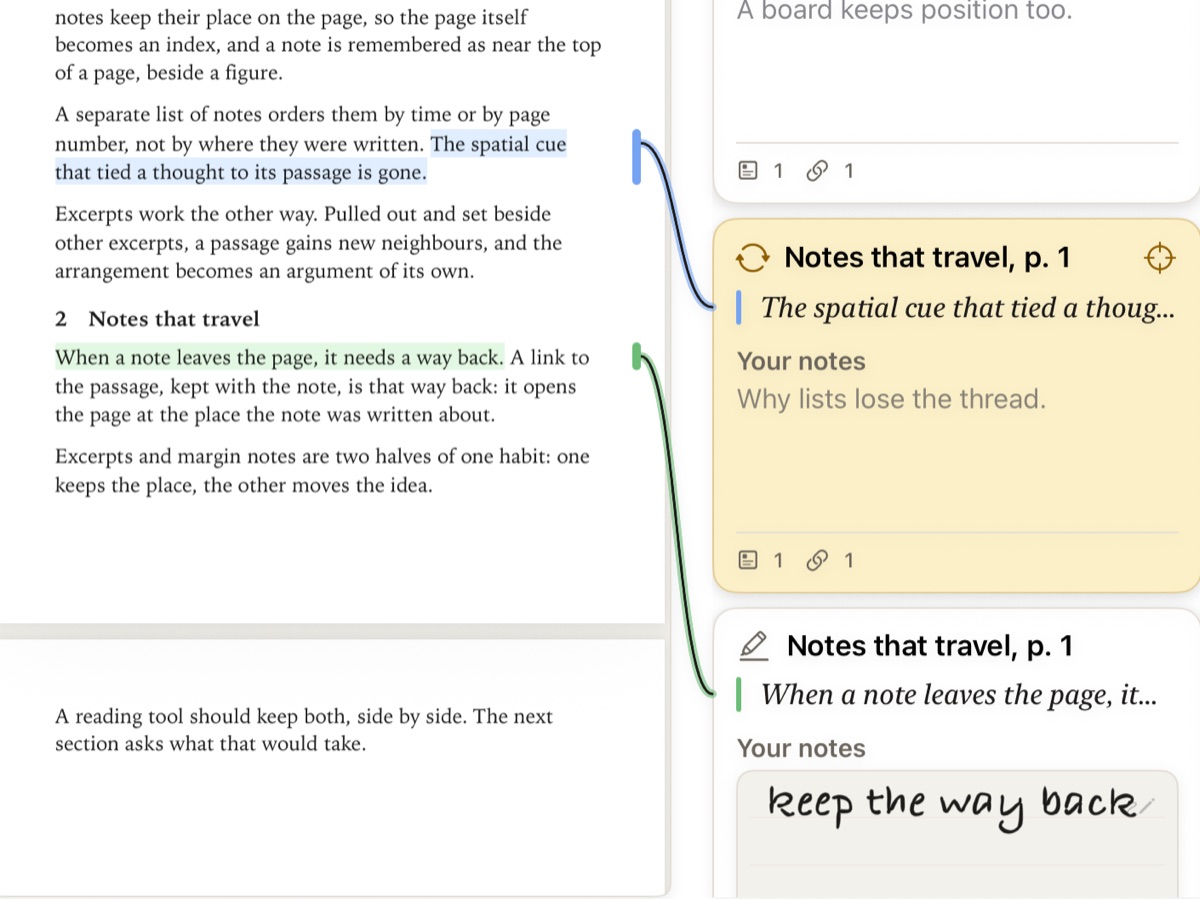
Each highlight's notes sit beside its passage, handwritten or typed.
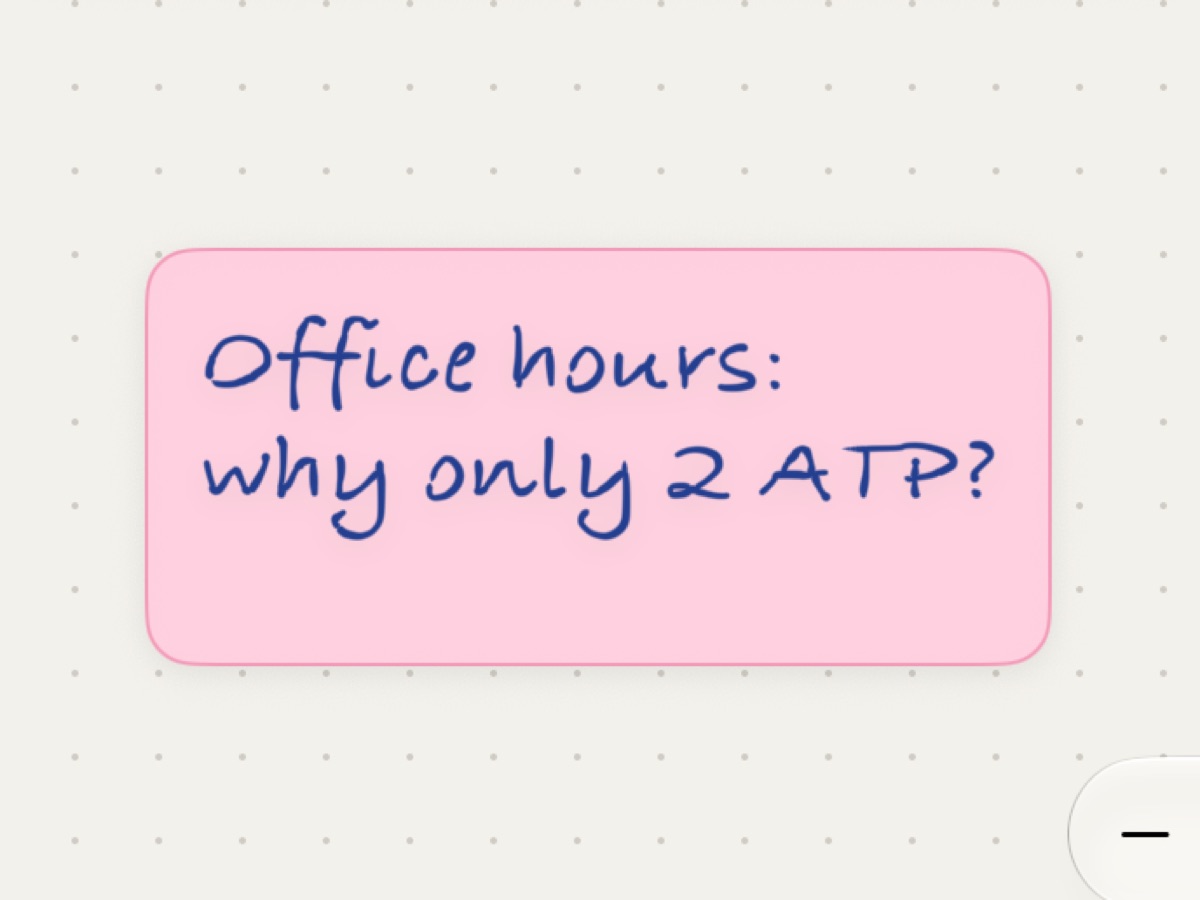
Quick questions in your own hand, anywhere on a board.

Search shows your strokes, with the match marked.
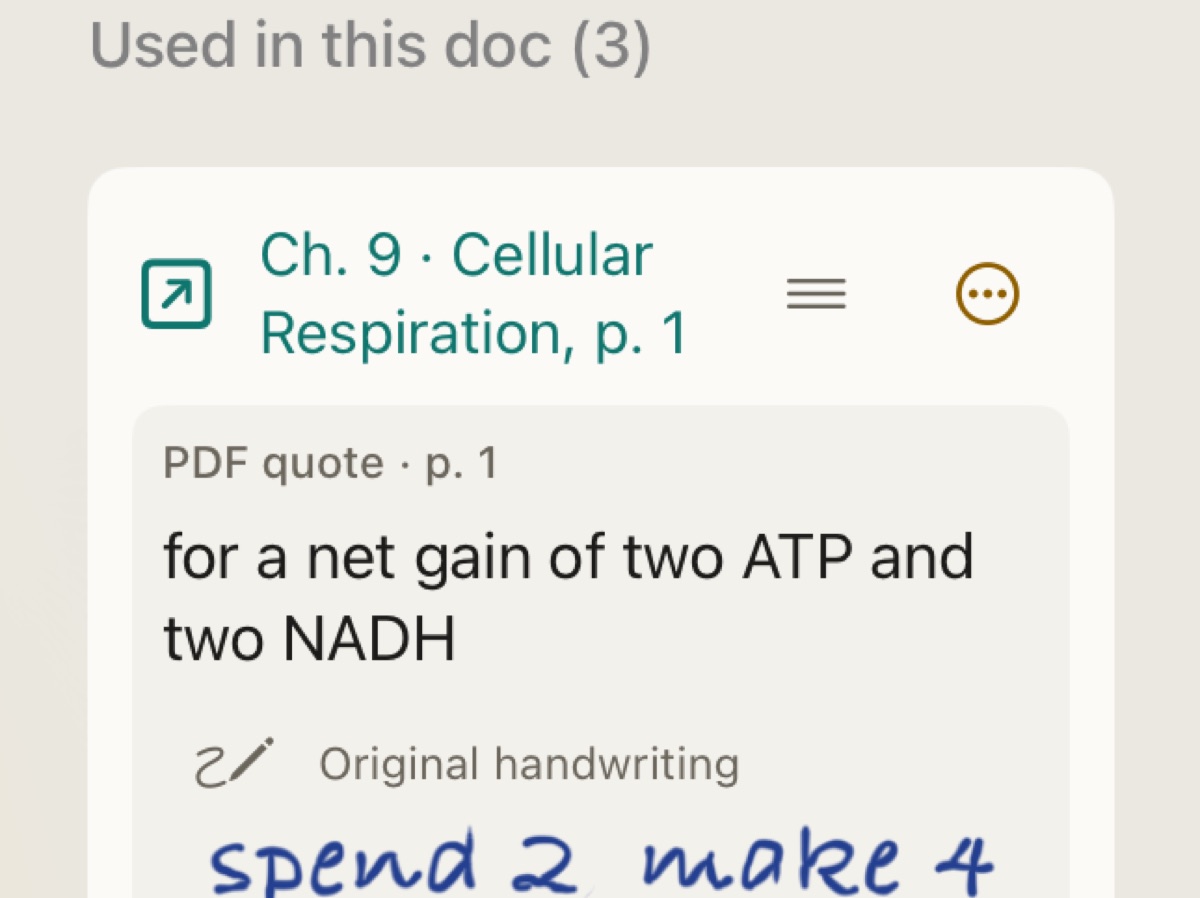
When you cite handwriting, the citation keeps the original strokes.
Connect
Highlight a passage and it becomes a note of its own, with an exact link to its page and words. Quote it, cite it or connect it, and the trail runs both ways.
Connect two cards, then tap the line between them to give it a reason and a label. Supports, Contradicts, Cites, Derived From, Written While: the reason travels with the link, so every note that cites a passage shows what it was for.
The Connections panel lists everything a doc, highlight or board links to and is linked from, grouped by reason. Your handwritten notes appear there as ink.

Pin the sources you are writing from, then quote or attach them to a block. GraphNotes records which block cites what, and keeps the words you quoted with the citation, so a later change to the source never rewrites what you cited.

Rediscover
Search reads what you wrote by hand on your iPad and shows it back to you as handwriting, with the matching words marked. Typed notes, titles and highlighted passages come up beside it.

One library for PDFs, handwriting, typed notes and boards, shaped by how you work.
Spread a paper across the board with its highlights beside their passages. Write in the margin, pull the passages that matter into your notes, and draft a review where every claim knows its source.
Keep the textbook chapter on the board with your handwritten notes beside it. Link each note to the passage it explains, then search your handwriting the night before the exam.

Put the deposition beside the contract. Highlight the testimony, write your note in the margin, and connect it to the clause it contradicts. Your timeline and draft brief cite the exact page and line.

The case shown is fictional.
As someone with ADHD and autism, I made GraphNotes for myself first: to fill a gap no other app could, and to finally have tools that work the way my brain does.
GraphNotes is free, and it stays that way. No feature waits behind a payment, and nothing in the app pulls against the people using it.
Details are in the Privacy Policy.
Not quite. You write and type pages as in a notebook, but your handwriting, typed notes, PDF highlights and boards share one library. Everything has its own link, and every note shows what it links to and what links to it.
Only when you ask. Your iPad reads your handwriting so Search can find it, but GraphNotes always shows your ink. Copy as Text and Use as Text give you typed text on request.
For handwriting, yes. Only the Pencil draws, so your fingers scroll, select and move things without leaving marks. You can type everything without one. If you write with your left hand, the margin and its notes can sit on the left.
Not yet. You highlight passages and write notes on each highlight, by hand or typed, and those notes sit beside their passages on a board. Your PDF file is never changed.
Yes. Search finds words in handwritten notes, titles and sticky notes and shows your handwriting with the words marked. It also searches typed notes and the passages you have highlighted. Inside an open PDF, use Find.
On your iPad and, when you are signed in to iCloud, in your own private iCloud. PDFs go in a GraphNotes folder in iCloud Drive. There is no GraphNotes account and no GraphNotes server, and the app has no analytics, ads or tracking. The Privacy Policy has the details.
Only if you ask, for one thing: on iPads with Apple Intelligence, Reflect on Connection can draft a short note on how two notes might relate. It runs on the device, is labelled "Generated by Apple Intelligence" and saves nothing. Suggested connections come from matching done on your iPad, and nothing is linked until you choose Keep.
Nothing. GraphNotes is free, with no subscription, no ads and no feature behind a payment.
An iPad on iPadOS 27 or later, and an Apple Pencil for handwriting. GraphNotes is made for iPad; other devices are not part of the beta.
No, there is no audio recording. You can import a transcript (SRT or timestamped text) into a doc and confirm when the session started.
The public beta opens on TestFlight soon, starting with people who read and write with a Pencil. Leave your email and GraphNotes will send you an invitation.